Delete a Private App
The Delete action permanently removes a private app from the repository.
Steps to Delete a Private App
- Navigate to Management > Private Apps Repository.
- Locate the app you want to remove.
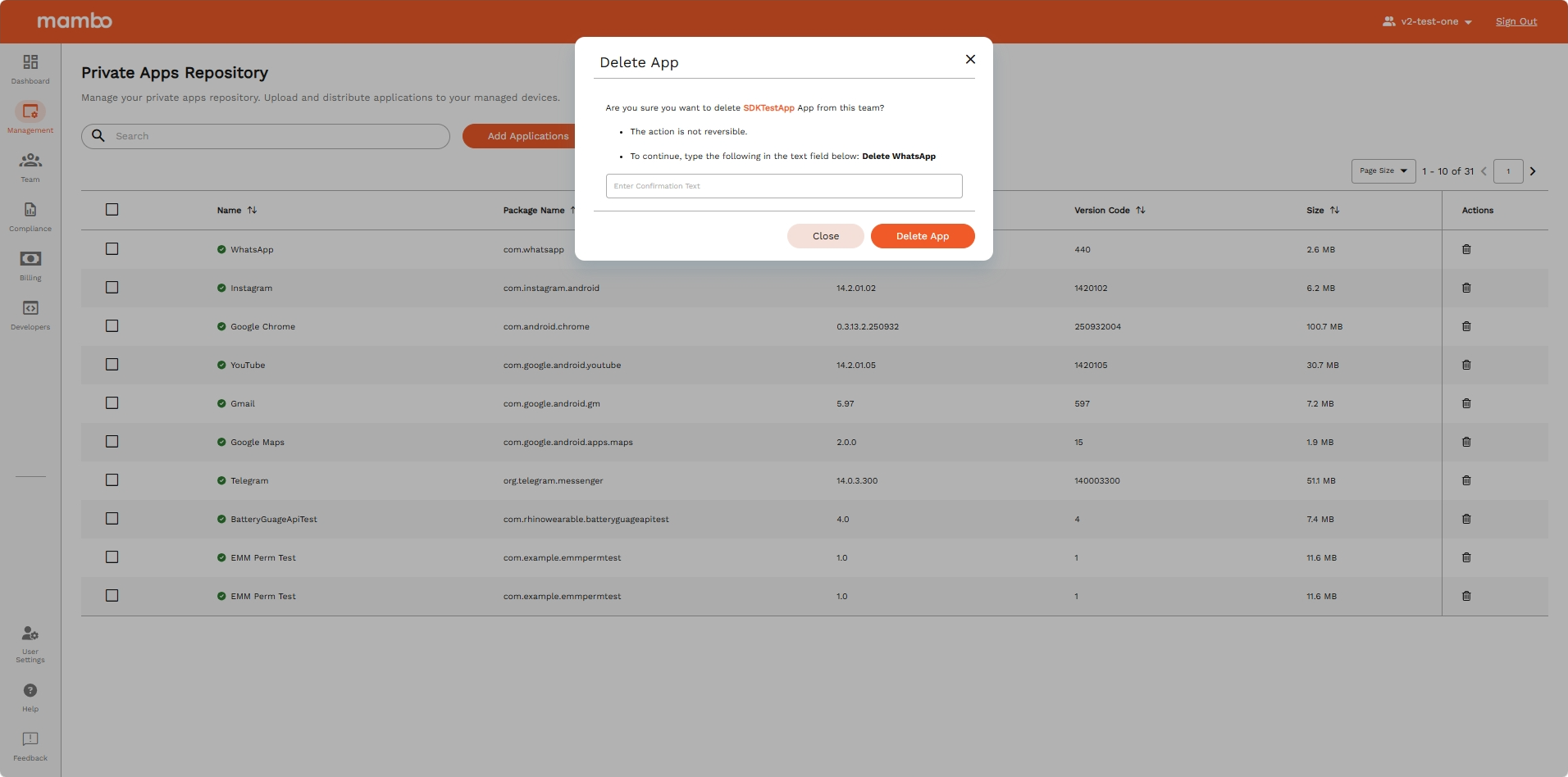
- Select the Delete table action (or select multiple apps for bulk deletion).
- A confirmation dialog will appear. Review the details and confirm.
- The app is permanently removed from the repository.
Key Features
- Bulk Deletion – Multiple apps can be selected and removed at once.
- Permission Controlled – Only users with the
PrivateApps:deletepermission can perform this action.
Summary
The Delete action provides a safe, confirmation-gated way to remove private apps from the repository, with support for bulk operations.